
Should You Subscribe Now? A Practical GPT Image 2 Evaluation Checklist
Use this short checklist to decide whether GPT Image 2 is the right paid workflow tool for your current production needs.
Choosing an image generation subscription should be an operational decision, not a vibe check. OpenAI’s image generation materials make it clear that GPT Image 2 is built for both generation and editing workflows, which means it can fit production use cases well. But a fit is only real if the model improves your actual process, not just your demo results. The safest way to decide is to run a small, controlled trial using your own jobs.
Do not test with random inspiration prompts. Use prompts that resemble real deliverables: ad banners, product cards, social graphics, and page visuals. Then judge the model on the metrics your team actually cares about. If your workflow is mostly art exploration, you may tolerate more revision. If your workflow is paid media or e commerce creative, your tolerance for retries is much lower.
The five things to measure
Your checklist should include five dimensions:
- Text rendering quality
- Edit stability across multiple turns
- Speed from prompt to usable draft
- Policy friction and refusal rate
- Cost per accepted asset
These are more useful than subjective “looks good” feedback because they connect to real production pressure. If the model saves time only on one dimension but creates friction on the others, your team may still lose efficiency overall.
Build a real test pack
Create a fixed pack of ten prompts from work you already do. Keep the number small enough to run in one sitting, but diverse enough to expose weak points. Use the same aspect ratios, same quality expectations, and the same reviewer criteria for every run. Score each output with a simple scale: publishable now, publishable with light cleanup, or reject.
That triage is important because it turns a fuzzy discussion into a measurable acceptance rate. If you compare two tools, use the same test pack for both. Otherwise, you are comparing different prompt quality, not different model behavior.
What counts as a strong result
A strong trial is not perfect first pass output. A strong trial is a workflow where the majority of assets land in the publishable or light cleanup bucket, and the time saved outweighs the cost of subscription. For teams with repetitive visual needs, even small efficiency gains can compound quickly. A model that reduces manual layout work, copy cleanup, or prompt retries can justify itself even if it is not the prettiest option in every situation.
The reverse is also true. If the model only looks strong on a few carefully chosen prompts but becomes unstable when you test it on real production tasks, it is not ready for primary use.
Red flags that should slow you down
Watch for these warning signs during evaluation:
- Dense text breaks too often in layouts that need clear copy.
- The image becomes unstable after only a few edits.
- Policy friction appears on normal business prompts.
- Brand consistency is hard to maintain across variant sets.
- The team spends more time correcting than generating.
Any one of these can still be manageable. Several together usually mean the subscription should stay in trial mode until your prompt structure or workflow boundaries improve.
How to interpret refusal or weak output
If prompts are blocked too often, determine whether the issue is prompt wording or use case. Sometimes the fix is simply clearer, safer language. Sometimes the use case itself is a poor fit for the model. If the model performs well except for one narrow category, that is a sign to use it selectively, not to abandon it completely.
If output quality is inconsistent, inspect whether the prompt was too broad. Many “bad model” complaints are really prompt design issues. Tighten the brief, isolate one objective, and repeat the test.
A practical subscription rule
A subscription is worth buying when the model consistently reduces turnaround time at your real quality threshold. That threshold should be based on your own review process, not on comparison screenshots. If the model shortens the path from idea to publishable asset, it has operational value. If it only wins on first impression, it may still be useful, but it is not yet a clear business case.
What to do after the trial
Document three things:
- Which prompt types performed best
- Which prompt types needed too many retries
- Which workflow steps improved or worsened
This gives you a repeatable decision record for the next review cycle. It also helps the team avoid arguing from memory later.
Bottom line
GPT Image 2 is worth subscribing to when it fits your actual work pattern, not when it simply looks impressive in a few examples. Test with real tasks, score with clear rules, and compare the time saved against the subscription cost. If the result is strong enough to reduce review burden and speed up delivery, the subscription makes sense. If not, keep the tool in a smaller role and revisit once your workflow matures.
More Posts
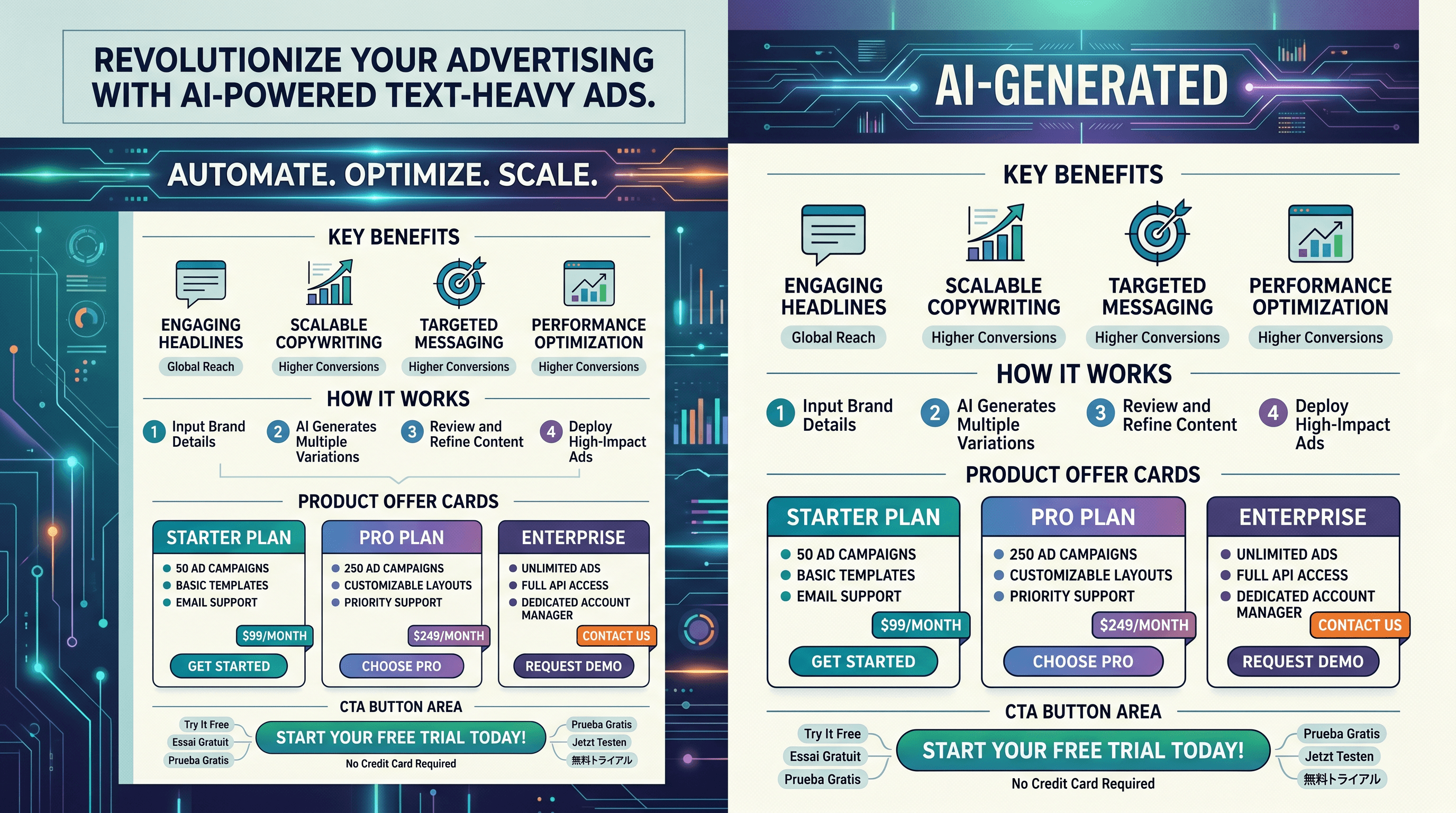
Why GPT Image 2 Is Strong for Text-Heavy Ads (and Where It Still Fails)
Why GPT Image 2 is useful for text-heavy ad layouts, plus the common weak points and practical fixes for cleaner outputs.

Common GPT Image 2 Failure Modes and Fast Workarounds for Teams
A practical look at the most common GPT Image 2 failure modes and the fastest ways to recover without slowing production.

How E-commerce Teams Use GPT Image 2 for Faster Product Creative Cycles
How e-commerce teams apply GPT Image 2 to product creatives, campaign variants, and faster test cycles with fewer bottlenecks.