
GPT Image 2 Prompt Framework: A Simple Format That Cuts Retry Cost
Use a clear GPT Image 2 prompt structure to reduce retries, improve output consistency, and speed up production review.
Teams often blame model quality when generation fails, but in real production the bigger issue is prompt structure. OpenAI’s prompting guide for image generation emphasizes clear, modular instructions, and that aligns with what high throughput creative teams report in practice. GPT Image 2 can follow detailed direction, but it performs best when priorities are explicit and internally consistent. Mixed prompts get expensive fast.
A good prompt framework is not about writing more words. It is about organizing instructions so both the model and your teammates can parse them fast. A stable format is:
- Scene and context
- Primary subject
- Visual style and mood
- On image text requirements
- Hard constraints and exclusions
- Intended output use
Each block has one job. Context defines the frame. Subject defines what must be recognized. Style sets aesthetics. Text block governs legibility. Constraints protect non negotiables. Use case informs crop logic.
Why structure reduces retries
Most retries happen because the first output is “close but wrong.” The model captures part of the brief, then misses one critical requirement such as typography clarity, brand color fidelity, or composition ratio. In unstructured prompts, these high priority constraints are buried. In structured prompts, they are isolated and ranked.
This has a second benefit: human debugging becomes faster. If output text is wrong, you edit the text block. If composition is wrong, you edit scene or constraints. You do not rewrite the entire prompt. That means each iteration changes one variable and keeps signal clean.
Block 1: Scene and context
Start with the environment and frame in plain language. Include time of day, location style, and camera perspective only if relevant to the outcome. For example, if the deliverable is a product promo card, you usually care about clean foreground separation and available text space more than cinematic weather description.
Useful pattern: “Studio table setup, soft daylight, straight on product framing, clean negative space on upper third for headline.” This is short, specific, and actionable.
Block 2: Primary subject
Define the main object clearly and avoid multi subject ambiguity. If you need multiple objects, specify hierarchy. Example: “Primary subject is the bottle at center. Secondary props are two fruit slices, both blurred and low contrast.” Without this hierarchy, models often over emphasize background elements or generate competing focal points.
For people or character based work, this is where you lock identity anchors: age range, pose type, wardrobe class, and must keep attributes. Consistency issues later are often traceable to weak subject anchors here.
Block 3: Style and mood
Style instructions should be concise and reference visual qualities, not vague taste labels. “Clean modern editorial with soft shadows and neutral palette” is better than “make it premium and aesthetic.” Keep style coherent with use case. If the output is an ad card, readability and conversion usually matter more than expressive abstraction.
Do not overload with conflicting references. If you request hyper realistic product rendering, watercolor texture, and comic shading together, the model can satisfy pieces but fail the overall objective.
Block 4: On image text requirements
This is critical for GPT Image 2 production use. OpenAI’s image generation docs highlight strong text rendering capabilities, but reliability still depends on instruction clarity. Keep copy short, include exact wording in quotes, and define placement priority.
Example:
- Headline text: “Summer Hydration Essentials”
- Subline text: “Limited week offer”
- Price tag: “From $29”
- Reading order: headline, subline, price
- Text style: high contrast, no decorative fonts
If language accuracy is vital, avoid mixing many languages in one run unless necessary. For multilingual output, generate per language variant instead of forcing all versions into a single image.
Block 5: Hard constraints and exclusions
This block prevents drift. Include aspect ratio, safe margins, color locks, forbidden elements, and required crop behavior. Example: “Aspect ratio 4:5. Keep product fully visible. No watermark. No extra logos. Background must remain light neutral gray.”
Negative constraints are especially useful for avoiding common noise such as random symbols, unintended branding marks, and extra objects. Keep this block explicit and non poetic.
Block 6: Intended output use
State where the image will be used: landing hero, paid social card, marketplace thumbnail, or email banner. This helps the model prioritize composition and detail scale. A social card needs different focal density than a wide desktop hero.
Operationally, this also aligns reviewers around one acceptance standard. If the prompt says “mobile ad card,” reviewers should not reject it for lacking desktop hero characteristics.
Iteration strategy: change one variable
After first output, do not make five edits at once. Update one block, rerun, and compare. If text remains weak, adjust only text block and placement constraints. If scene feels cluttered, tighten scene block and negative constraints. Single variable iteration is slower per run but faster per approved asset because it avoids regression loops.
When a thread becomes unstable after many edits, reset with a clean prompt composed of latest approved blocks. This mirrors best practice in long generation sessions and reduces artifact accumulation.
Team collaboration model
Structured prompts scale across roles. Creative leads own scene and style. Marketing owns text block. Brand or design ops owns hard constraints. Media team defines output use specs. This separation reduces conflict and makes revisions auditable.
Store approved block templates per use case. Over time, your team builds a library of reusable prompt frameworks that cut onboarding time and improve predictability across campaigns.
Bottom line
GPT Image 2 performance improves significantly when prompt logic is explicit. A modular framework gives you cleaner first drafts, faster debugging, and more consistent approvals. The value is not just better images. The value is predictable workflow behavior under deadline pressure. If your team wants fewer retries and higher publishable output rate, structure first, then style.
More Posts
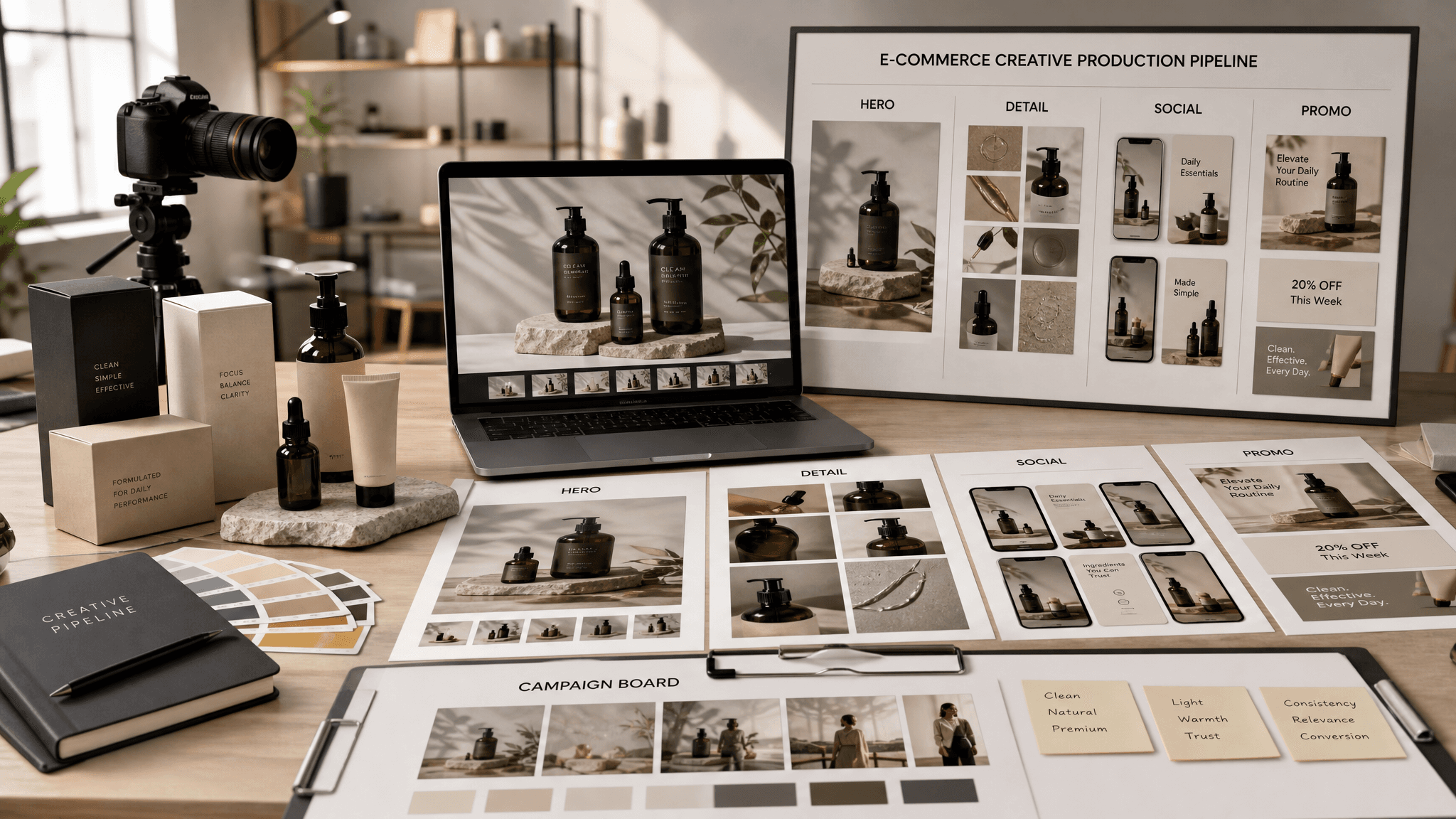
How E-commerce Teams Use GPT Image 2 for Faster Product Creative Cycles
How e-commerce teams apply GPT Image 2 to product creatives, campaign variants, and faster test cycles with fewer bottlenecks.
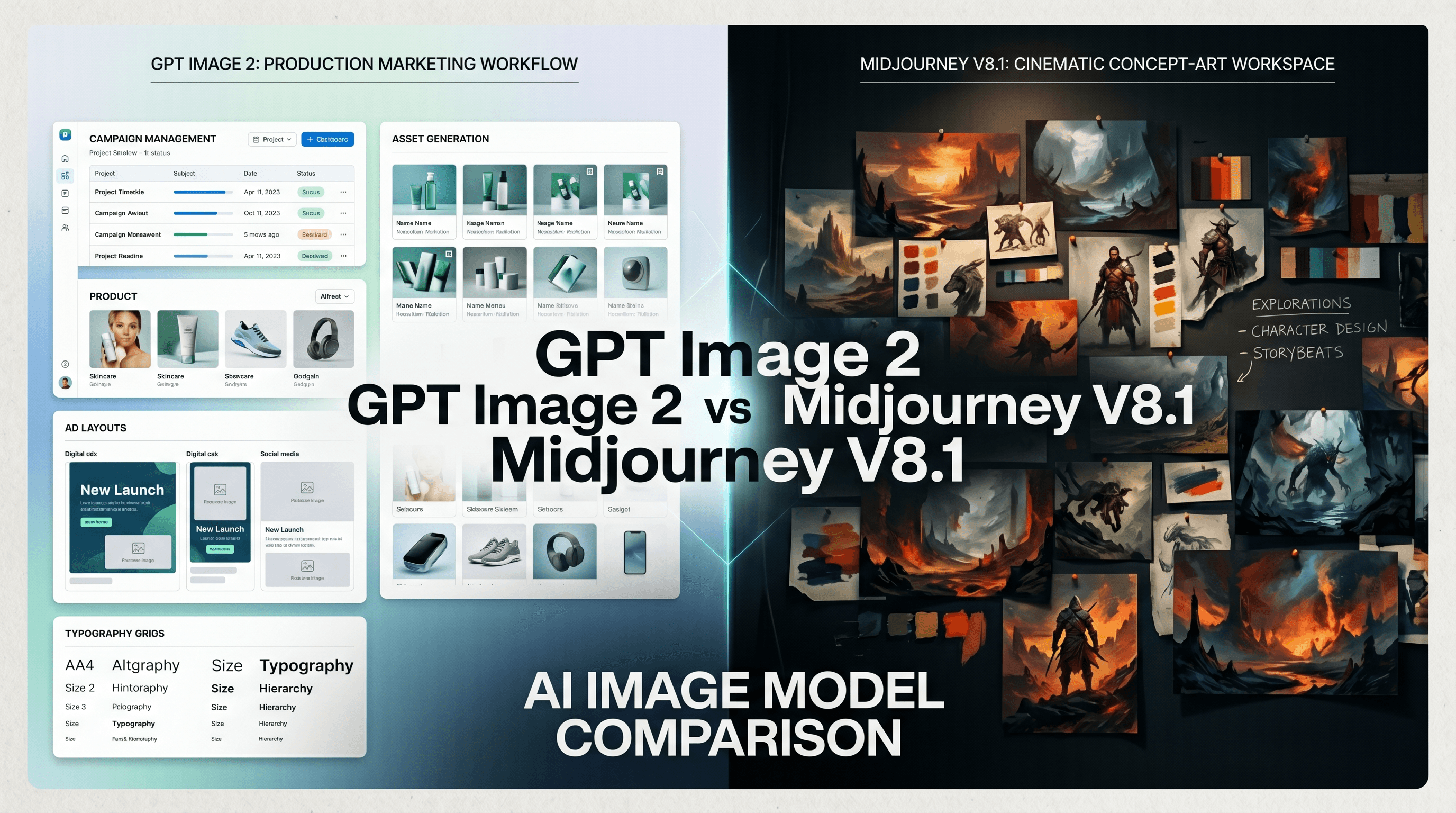
GPT Image 2 vs Midjourney V8.1: Which One Fits Real Production Work?
A practical comparison of GPT Image 2 and Midjourney V8.1 based on production workflow needs, not style preference alone.
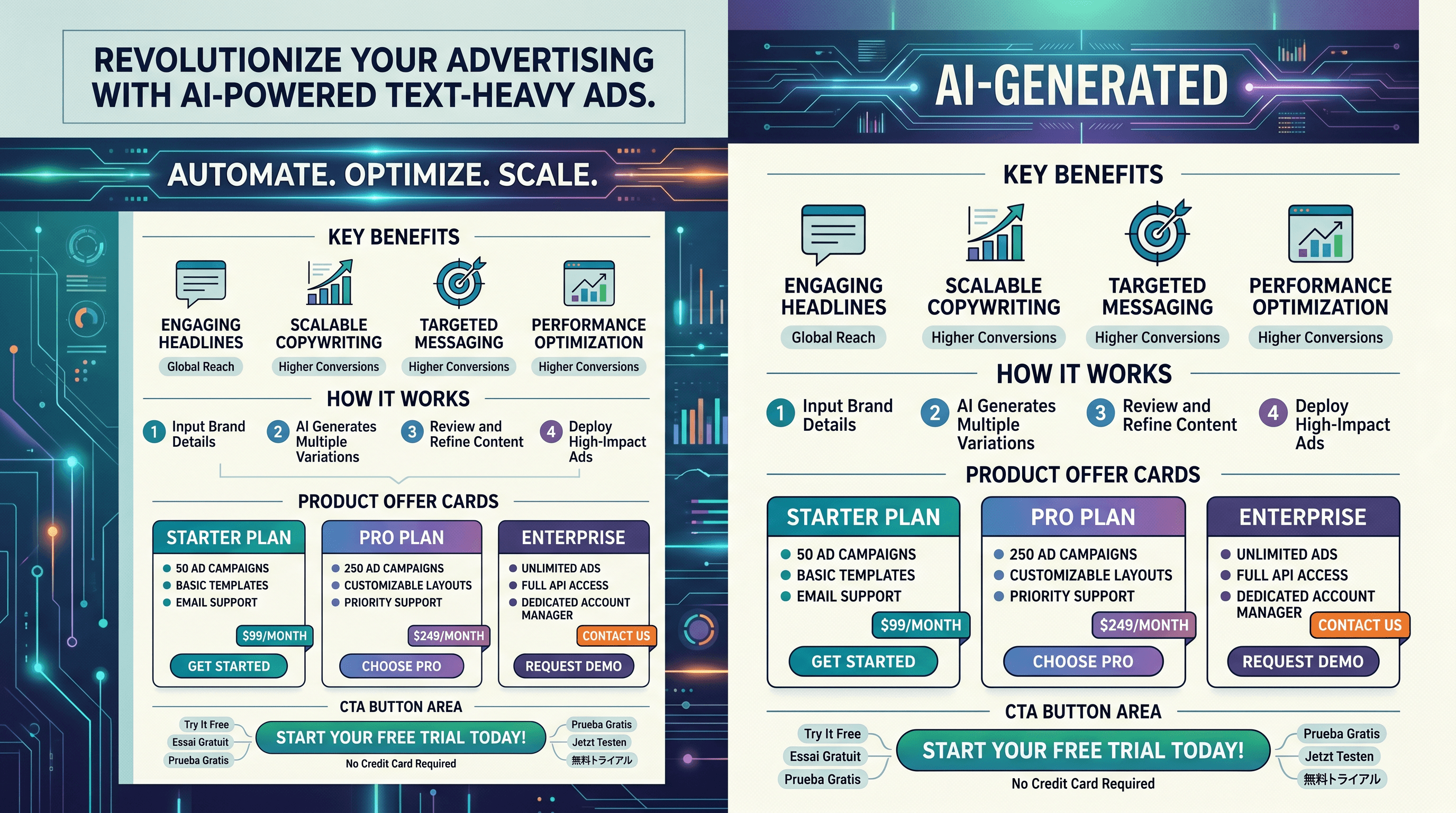
Why GPT Image 2 Is Strong for Text-Heavy Ads (and Where It Still Fails)
Why GPT Image 2 is useful for text-heavy ad layouts, plus the common weak points and practical fixes for cleaner outputs.