
Common GPT Image 2 Failure Modes and Fast Workarounds for Teams
A practical look at the most common GPT Image 2 failure modes and the fastest ways to recover without slowing production.
GPT Image 2 is strong, but production teams still run into repeatable failure patterns. OpenAI’s model page describes GPT Image 2 as a state of the art model for high quality generation and editing, and that matches many real workflows. At the same time, “high quality” does not mean “always first pass.” In day to day usage, most teams are not blocked by total model failure. They are blocked by small, recurring issues that consume review time: policy refusals on borderline wording, noisy artifacts after many edits, drifting style constraints, and weak results in narrow technical scenes.
The fastest way to improve output quality is not to increase prompt length. It is to run a clear failure playbook. If your team can classify what failed in under one minute, you can usually recover within one or two additional runs. If you cannot classify the failure, people start random retry loops, token spend rises, and deadlines slip.
Failure mode 1: Safety refusals and blocked outputs
A refusal is not random. It is usually a policy decision. In the ChatGPT Images 2.0 system card dated April 21, 2026, OpenAI describes a multi layer safety stack with prompt layer checks before generation and image layer checks after generation. That means you can get blocked before image creation, or after a candidate image is created but before delivery.
Operationally, this matters because your response strategy should differ. If the block is prompt layer, rewrite intent and remove ambiguous wording. If the block is output layer, simplify the visual scenario and reduce sensitive ambiguity in composition. In both cases, avoid “try again” with the same prompt. A near duplicate prompt often repeats the same block.
Failure mode 2: Artifact buildup in long edit chains
The image generation guide emphasizes multi turn editing and iterative workflows. This is useful, but it also creates a known risk: long chains can accumulate visual noise, strange texture fragments, or layout instability. Teams often misread this as a single bad generation when it is actually context fatigue across too many edits.
A practical fix is to reset thread context earlier. Do not wait until an image is fully broken. After two to four heavy edits, fork a clean run with only the latest approved image and a compressed constraint block. This keeps continuity while removing stale instructions that can conflict with the new objective.
Failure mode 3: Consistency drift across variants
Consistency drift usually appears when instructions mix direction and exceptions in the same sentence. For example, brand color, camera framing, typography style, and negative constraints are all present, but priority is unclear. The model then satisfies most constraints but not the one your reviewer cares about.
Use explicit priority order. Put non negotiables first, then composition, then style texture. Treat each variant as a controlled experiment: only one major variable should move per run. If two variables change at once, approval teams cannot tell what caused the improvement or regression.
Failure mode 4: Domain specific weakness
Some scenes remain harder than others, especially highly specialized scientific diagrams, dense technical labeling, or unusual natural structures where realism standards are strict. The right response is not to force one model to do everything. The right response is to define fallback paths early.
Fallback can mean a second model, manual design pass, or partial workflow split where GPT Image 2 handles layout draft and a specialist tool handles final precision. This keeps throughput stable even when a single model underperforms on a specific task class.
A recovery playbook your team can actually run
When a generation fails, run this sequence:
- Identify failure class in 30 to 60 seconds: refusal, artifact, drift, or domain gap.
- Freeze current accepted constraints in a short block and mark them non negotiable.
- Start a clean run if the previous thread includes many edits.
- Change only one major variable in the next attempt.
- Review with a binary gate: publishable or not publishable, then log why.
This process looks basic, but it prevents emotional prompting and endless micro edits. Over a month, that discipline typically saves more time than any one prompt trick.
Team checklist for fewer emergency retries
Use a short preflight checklist before each run:
- Is the objective single purpose, not mixed?
- Are non negotiables listed at the top?
- Is the request likely to trigger policy ambiguity?
- Do we need a clean thread instead of continuing this one?
- Do we already have a fallback path if this run fails?
After the run, log only the useful signal: what failed, what was changed, and what fixed it. Avoid long notes nobody reads.
Bottom line
GPT Image 2 is most effective when treated as an operational tool, not a magic button. The core idea is simple: classify failures quickly, apply the matching fix, and move on. Teams that build this habit usually see better asset acceptance rates and less wasted review time, even when individual generations still fail from time to time. The model stays the same, but the workflow gets much better.
More Posts

How E-commerce Teams Use GPT Image 2 for Faster Product Creative Cycles
How e-commerce teams apply GPT Image 2 to product creatives, campaign variants, and faster test cycles with fewer bottlenecks.
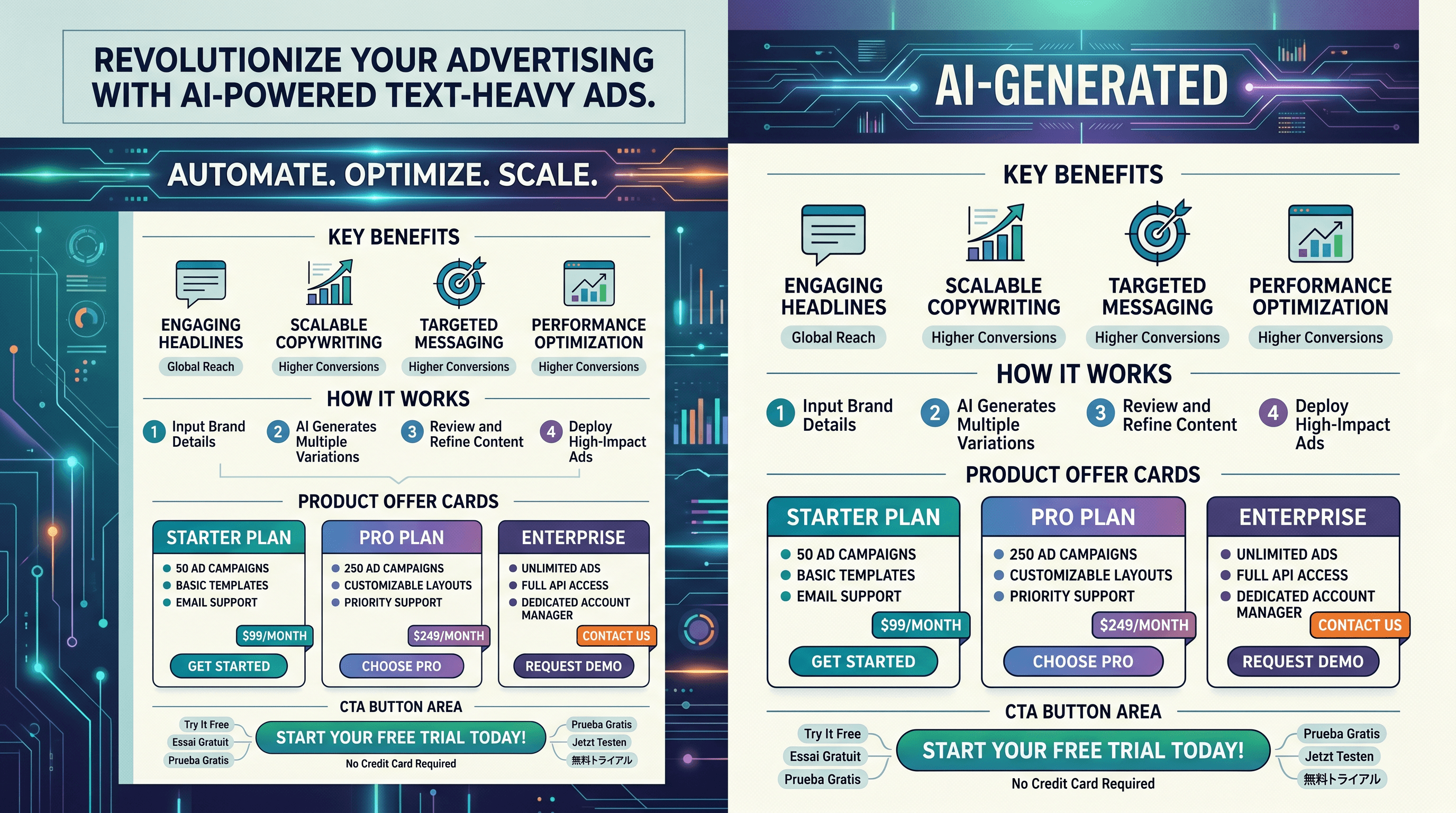
Why GPT Image 2 Is Strong for Text-Heavy Ads (and Where It Still Fails)
Why GPT Image 2 is useful for text-heavy ad layouts, plus the common weak points and practical fixes for cleaner outputs.

Should You Subscribe Now? A Practical GPT Image 2 Evaluation Checklist
Use this short checklist to decide whether GPT Image 2 is the right paid workflow tool for your current production needs.